
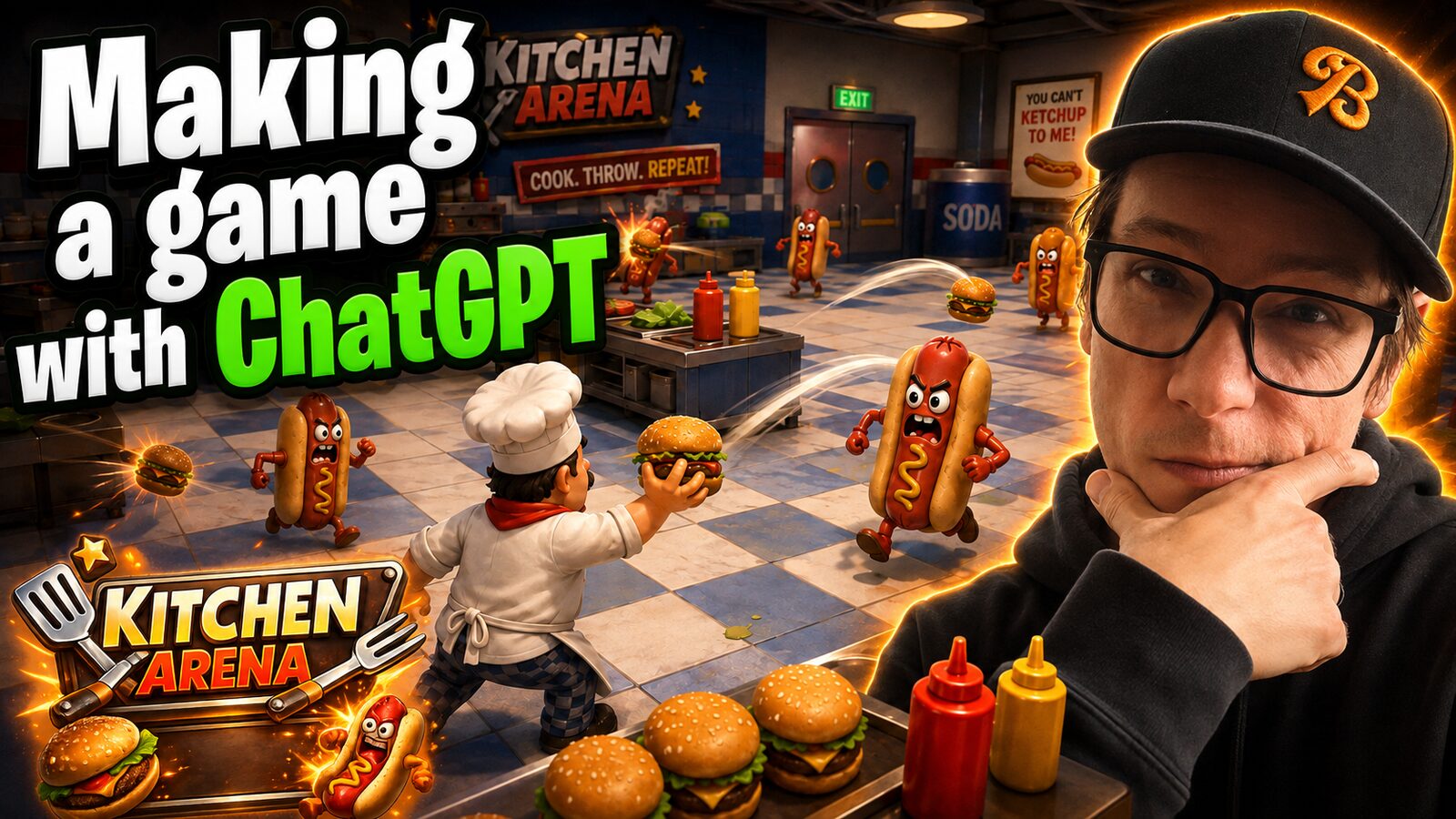
Howdy. So the short version is: I made an empty folder, pointed the ChatGPT desktop app at it, told it that it had Godot and a Meshy API key, and asked for a first-person game where you throw burgers at hot dogs in a diner.
Sixteen minutes and 90 Meshy credits later I had a playable game. Not a good game. A playable one. Which is the whole point.
And honestly this isn't really about games. It's about handing the model a tool and an API key and then getting out of the way. Games are just the clearest way to show it, because a game is the one thing where you can see whether it worked.
What you actually need
Four things, and three of them are free.
- An empty folder. That's it. Make one. Don't put anything in it.
- Godot. Free game engine. Download it. You genuinely do not have to learn it, which I'll come back to.
- The ChatGPT desktop app, because that's the one with Codex in it — the one that can actually work inside a folder on your machine.
- A Meshy API key. Meshy takes an image and turns it into a 3D model. That's the trick the whole thing hangs on.
There's also PixelLab if you want pixel art instead. You don't need both. I use both because I like to make things complicated.
Start with concept art, not code
Before you touch the folder, go into ChatGPT and ask it for a concept shot of the game. Mine was "a 3D game where you're a chef throwing burgers at hot dogs." Simple game.
Coming up with the idea is the hardest part, by the way. Everything after it is easier than you think.
The concept art is not a spec. The game will not look like it. What it does is get your brain going, and give you something to point at later when you're steering. You look at it and go, okay, that would be a fun looking game if I could only make that possible. That's the useful feeling.
Where the API keys go
Simplest way: put them in a .env file in the folder and tell the agent the file is there.
MESHY_API_KEY=your_key_here
PIXELLAB_API_KEY=your_key_here
You can paste them into the chat instead. I don't. This way it's a file, it stays in the folder, and I just say "hey, it's in there, go look at it."
With the key in hand it can go read Meshy's docs itself, figure out how to call it, and install whatever it needs. You don't set any of that up.
The prompt
Open a new project in the ChatGPT app, point it at your folder, and say roughly this:
This is an empty directory. I want a Godot game. I have a
.envwith a MESHY_API_KEY and a PIXELLAB_API_KEY in it. I need you to make a 3D game and you can make 3D models using the API — you have my permission. The game is: you're a first-person shooter with a burger and you throw burgers at hot dogs, and it's a diner. Make it for me.
That's it. That's the whole brief. It'll go read the key, look up how the API works, scaffold the project, and start building folders.
It won't spend your money unless you say so
This is the part that trips people up. It does not want to spend money. It'll stop and ask.
So you have to actually tell it: yes, you're allowed to make the models, that's 90 credits, go. And because it's using your API key it knows how many credits you have, so it can tell you what something will cost before it does it. Say yes and it keeps moving.
If you don't say yes, it just sits there being polite.
Steer it early or it burns credits
Here's the expensive mistake. Don't let it run for twenty minutes before you look at what it's making.
I had one where I asked for a canary as the main character. It generated a different animal, decided that didn't look enough like a bird, threw it away, and spent a bunch more credits getting to the bird. All of that was avoidable by looking sooner.
So the move is: as soon as it has any visual reference, interrupt it and give it direction. Feed it the concept art. Tell it the logo should be in that style. Tell it you don't care that much about a detail so it stops polishing it. You're the art director, and art directing after the render is finished is just paying twice.
Also, don't say yes to every permission it asks for. At one point mine wanted access to everything and I probably shouldn't have said yes to all that.
Get the title screen first
Easiest way to make this feel real: ask for the intro screen early.
Logo animated in, the concept art moving slowly in the background, a big play button. That's the first experience of the game, and once you've got it you can open the thing and press play and immediately feel whether the idea is fun. You throw all the art concepts at yourself right away. Are you excited to press play?
What you're going for here is a vertical slice — the one thin piece you can jump into, get out of in five minutes, and know whether the concept sells. If it does, everything after that is just more of it.
You never have to open Godot
You will open Godot exactly once, to import the folder and click play.
A game person opens the editor and starts clicking on things, inspecting nodes, being a game person. We don't do that. For us it is literally a big play button. Import, press play, look at it, go back to the chat and complain.
What's genuinely great is that near the end it does this itself — it runs the game, takes screenshots, jumps to different scenes, and uses that to polish what it made. It's checking its own work with its own eyes.
What it cost
On mine it didn't even need PixelLab. It generated a burger, a hot dog, and a diner booth. Ninety credits, about sixteen minutes of it working, and maybe four sentences from me.
Then I imported it, hit play, and I'm standing in a diner throwing burgers at hot dogs. I couldn't turn around — mouse look wasn't wired up — but I could throw. It works.
It's always surprising how much simpler it is than I think it's going to be.
This isn't really about games
If you have zero intention of ever building a video game, here's what actually transfers:
- Give the agent a tool it can run.
- Give it an API key so it can go do the expensive part itself.
- Direct it with taste, not with technical instructions.
- Don't learn the thing in the middle.
That last one is the whole thing. I don't want to deal with 3D objects. I want the end result. Video games are cool; making them isn't.
Swap the pieces out and it's the same shape everywhere. You've got a book written and some expensive typesetting app, and getting it onto Amazon means fighting about margins — that's the same job. "The book's done. Do all the technical stuff I don't want to know about. Just make sure it's good."
Which is what's happening with coding anyway. It's all just coding a whole bunch of stuff you didn't want to write.
And then, sure, take the future and add twenty years. Everybody knows how to play video games, a game engine is just an interface, and we're all in the metaverse directing robots around. I don't know. Either way — hopefully this gives you something to point this process at.
